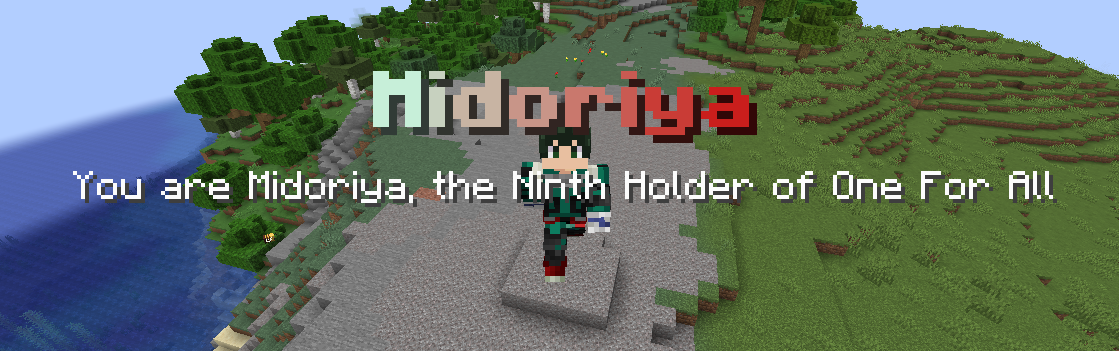
SuperheroesPlusUltra v3.0.0
把 SkillsLibrary 与 Superheroes 深度整合,可为超级英雄自定义技能与能力。(需 SkillsLibrary)
Minecraft 兼容性:
Java 版 MC 1.20.6MC 1.21 Spigot
描述
SuperheroesPlusUltra is an enormous extension to the original Superheroes plugin, it enables full integration of my plugin, SkillsLibrary, into Superheroes. This means you can write your own abilities for heroes you design without writing any java. It also comes with four additional new default heroes (you still have ALL your heroes from the default plugin!) to provide an example of the abilities you can create using it.
It also allows you to set custom skins for your heroes (/heroskin to toggle), and has basic Skript integration!
If you prefer watching videos, you can watch a video demonstrating the plugin made by me here:
Firstly, in order to install the plugin, you need to extract SkillsLibrary and SuperheroesPlusUltra from the downloaded zip into the plugins folder of your server. This is an ADDON, not a replacement for the original Superheroes plugin.
Here is a basic example of a hero written to use SuperheroesPlusUltra style skills.
Code (YAML):
Nebular:
colouredName: "&5&lNebular"
description: "Controls the void world"
skills:
chaos:
skill: CUSTOM
trigger:
type: SNEAK
conditions:
cooldown:
type: COOLDOWN
cooldown: 10
mode: SELF
effects:
AoEDamage:
type: AOE
radius: 10
mode: ALL
effects:
damage:
type: DAMAGE
damage: 5
mode: OTHER
You can read more about writing custom skills on the SkillsLibrary github wiki page: here
However, this isn't fully comprehensive yet, so I highly recommend joining my discord and talking to me in #my-plugins. I typically respond (at least) within 24 hours of a message in there if you want to ask a question.
You can download the schema here.
You also need to have VSCode and the YAML Extension for it to work.
And finally, add
Code (YAML):
# yaml-language-server: $schema=path/to/schema.json
You can also go to the settings, search `yaml.schemas`, edit the settings.json, and put the path to the schema. For example:
Code (YAML):
"yaml.schemas": { "path/to/schema.json": "superheroes" }
You can find more detailed instructions here
Want a bosses plugin with similar customsability?
Check out EnchantedBosses here
Skript Support
You can get the name and description of the hero being used by a player by doing "name of (superhero of player)" and "description of (superhero of player)"

 50
 2.00

